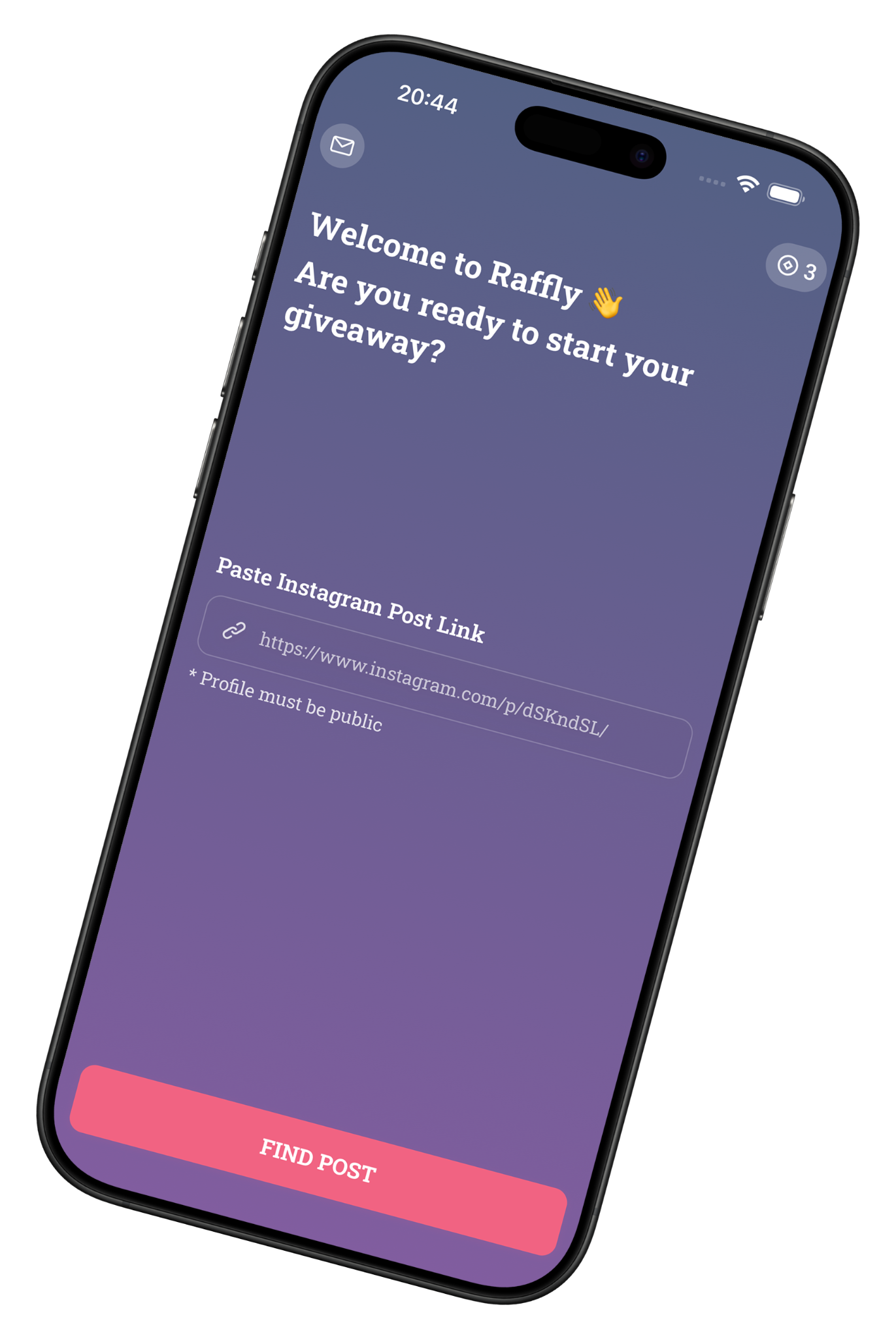
Paste your post
Add a link to a public Instagram post or Reel with giveaway comments.
Instagram giveaway picker · iOS & Android
Run an Instagram giveaway with Raffly. Paste a public post or Reel link, set your rules, and choose random winners from the comments.
100K+ downloads
How it works
Add a link to a public Instagram post or Reel with giveaway comments.
Choose the number of winners and apply the entry rules that fit your giveaway.
Select random winners from the comments and record the draw to share the result.
Made for comment giveaways
Raffly imports Instagram comments and helps you choose winners without counting entries by hand. No Instagram login is needed to get started.
No. Paste the public link to the giveaway post or Reel. You do not need to share your Instagram credentials.
Yes. Raffly can choose random winners from comments on public Instagram posts and Reels.
Raffly randomly selects winners from comments that meet the rules you set. You can record the draw to share the process.
Ready for your next giveaway?
Available for iOS and Android. Free to download; in-app purchases may apply.